Ask by text. Add voice or camera when you want them. Hardware stays optional.
Phone accessKeyboard and speaker readyCamera offMicrophone offNo hardware required
YOUR PHONE / REAL INPUTS
Add a perspective.
Your text conversation works with camera and microphone off.
AEVIONPHONE ACCESS
CONCEPT PREVIEW / CAMERA OFF
PHONEText readyAUDIOMicrophone off
AEVION / CAMERA STATUS
Camera is off. Text questions remain available.
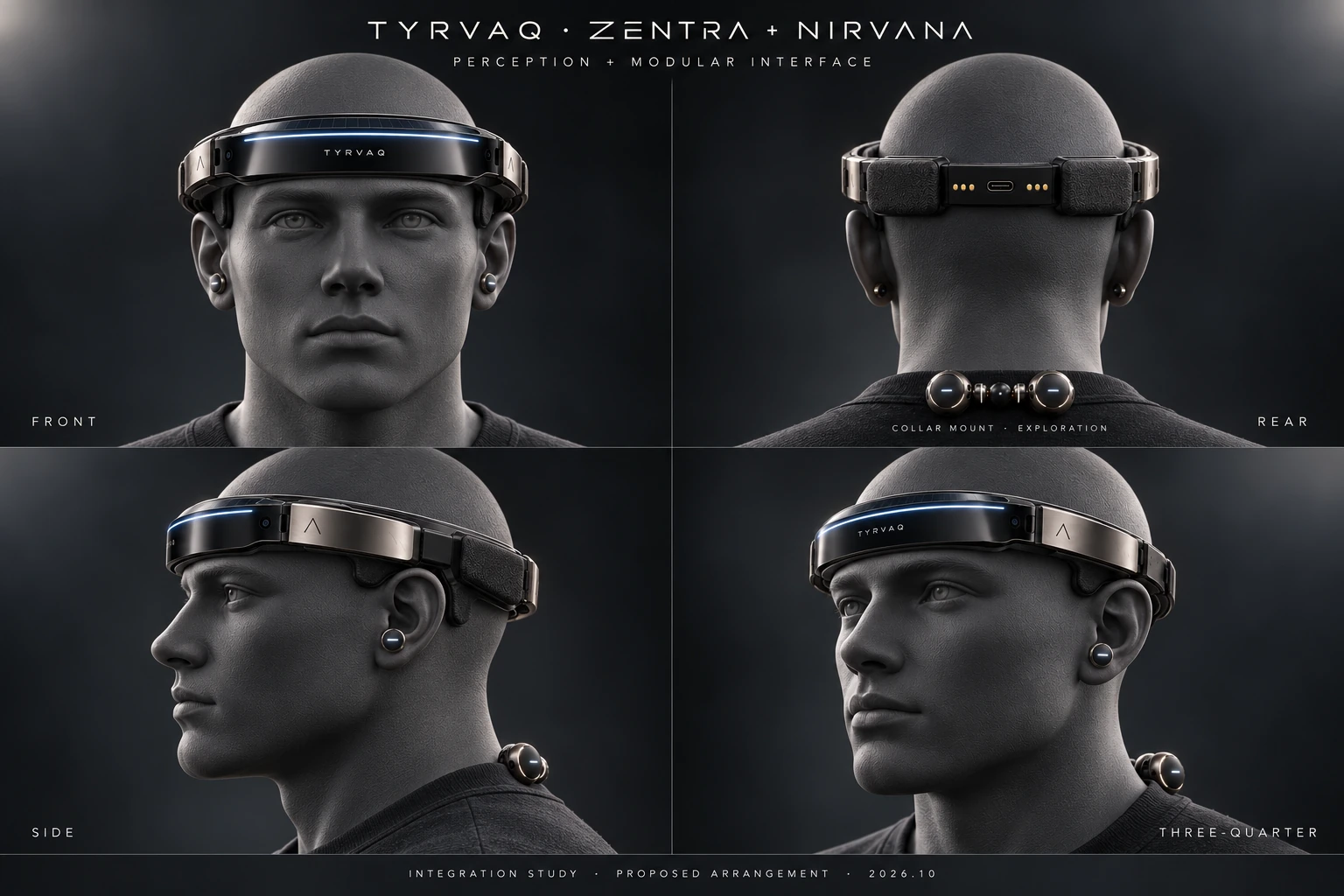
Optional equipment and virtual loadout Phone only
Your phone controls work independently of these previews. Physical pairing will appear when supported hardware is available. No hardware is paired here.
Virtual assets illustrate intended roles. Physical protection, force assistance, cooling, remote views and flight need their corresponding hardware; they are not phone capabilities.
Camera assistance uses snapshots and is not obstacle detection. Stop before interacting with the screen.